By GAZ Organization
The Chopshop codes
No working codes listed right now. Check the latest updates below.
Working codes
Updated November 20, 2026
No working codes right now
Check back for new developer releases, or submit a code if you found one.
How to redeem codes in The Chopshop
- Launch The Chopshop on Roblox.
- Look for a Codes, Shop or settings button — usually on the side of the screen.
- Paste the code exactly as shown above. Codes are case-sensitive.
- Press redeem to claim your reward.
Codes may expire or require a certain level. If one fails, check the spelling and any in-game requirements.
Found a code we're missing?
Submit it and we'll verify it before it goes live.
About The Chopshop
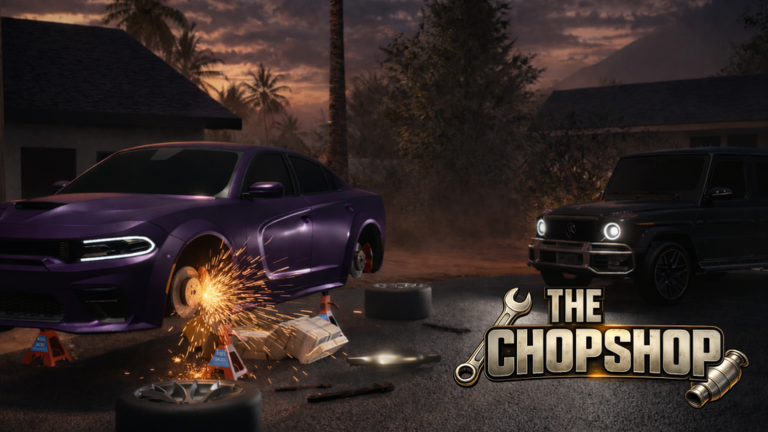
NEW! UPDATE 2.0: - NEW POLICE TEAM - 16 NEW CARS - NEW LOCATIONS - INTRICATE WANTED SYSTEM They call it *Junkyard Business* — but there’s big money in metal 👀 Please be aware that this game is in an early Beta stage, there will be occasional bugs. If you experience bugs or other gameplay issues, please don't hesitate to report them via our linked server below! ⚙️ Collect and salvage car parts from vehicles across a massive open world 💸 Sell your parts to climb levels at the chop shop and unlock rewards 🚗 Buy, customize, and drive your own cars from your collection 🧰 Unlock new tools to steal rare and valuable vehicle components to sell at the chop shop 🌆 Explore a vast and immersive sandbox world Thank you for being part of the crew and helping shape the road ahead. We’re building this with you, for the long haul. 🚘💪 Ver. 2.0
Comments (0)
Share a tip, ask a question, or tell other players which codes worked.
No comments yet. Be the first to share a tip or ask a question.