By Blujaw Studio
The Office codes
No working codes listed right now. Check the latest updates below.
Working codes
Updated November 20, 2026
No working codes right now
Check back for new developer releases, or submit a code if you found one.
How to redeem codes in The Office
- Launch The Office on Roblox.
- Look for a Codes, Shop or settings button — usually on the side of the screen.
- Paste the code exactly as shown above. Codes are case-sensitive.
- Press redeem to claim your reward.
Codes may expire or require a certain level. If one fails, check the spelling and any in-game requirements.
Found a code we're missing?
Submit it and we'll verify it before it goes live.
About The Office
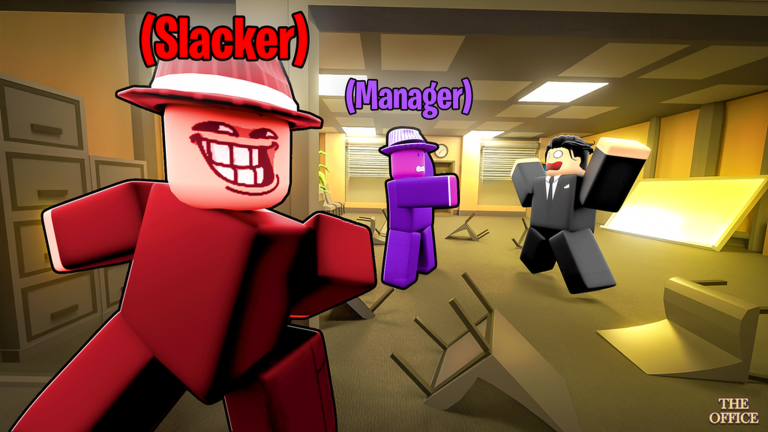
🖨️ The Office 🖨️ -- Original Creator: @Yxrdan 👍HIT THE LIKE GOAL IN LOBBY FOR NEW CODES! 📍 In The Office, take on the role of a Manager, Specialist, or Slacker! 📉 Will you figure out who the slackers are before they make The Office shutdown? 🔹 WE RECOMMEND YOU TO: 🔹 🫂 PLAY WITH FRIENDS for the best experience. 🎧 USE HEADPHONES / MICROPHONE + SOUND for full immersion. 💬 TEAM UP AND COMMUNICATE with other players for success! 🎮 CONTROLS: 🎮 🖱️ Press & hold F to interact with objects and other players. ⭐ Premium Players Receive 25% More XP + 25% More Cups Tags: cook candy, cook burgers, simulation, simulator, friends, voice chat
Comments (0)
Share a tip, ask a question, or tell other players which codes worked.
No comments yet. Be the first to share a tip or ask a question.