by Age Of Titans (Official)
Age of Titans Codes
Working Age of Titans Codes (1)
Last updated October 5, 2026
| Code | Reward | Works? | |
|---|---|---|---|
REVAMP | 5,000 Shards Stay tuned in our social links for upcoming upd | Did it work? |
Unconfirmed Codes (2)
We have not confirmed these yet. Try one, then use the works / broken buttons — once enough of you agree, it moves up to the working list or gets dropped.
| Code | Reward | Works? | |
|---|---|---|---|
FINALWARS | 10K Shards | Did it work? | |
GODZILLA2019 | 1K Shards | Did it work? |
How to redeem codes in Age of Titans
- Launch Age of Titans on Roblox.
- Look for a Codes, Shop or settings button — usually on the side of the screen.
- Paste the code exactly as shown above. Codes are case-sensitive.
- Press redeem to claim your reward.
Codes expire without warning — if one fails, it was almost certainly pulled by the developer.
Found a code we're missing?
Submit it and we'll verify it before it goes live.
About Age of Titans
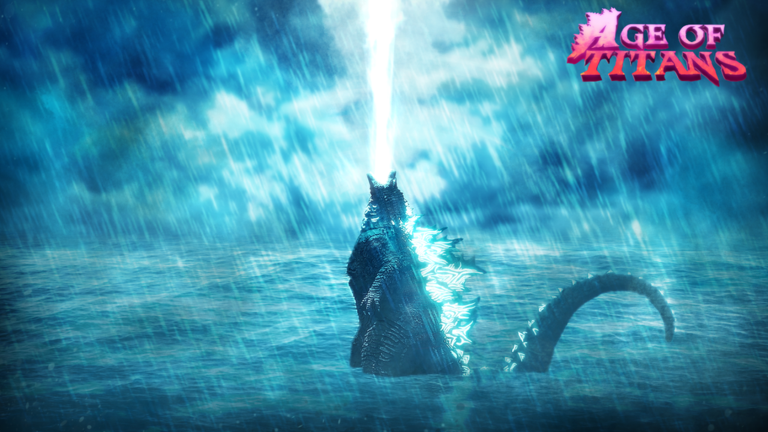
💎 NEW CODE AT 45K LIKES 💎 USE CODE: REVAMP for 5,000 Shards Stay tuned in our social links for upcoming updates and sneak peeks. Age of Titans is a PvP / Open World Kaiju game on Roblox that brings legendary monsters to life. • Battle as iconic kaiju • Unlock skins to customize your appearance • Explore the world and fight other players • Master unique abilities and ultimates Completely Free to Play If you enjoy the experience, make sure to like 👍 and favorite ⭐ for future updates! 🎮 Controls PC • Abilities: 1–5 • Ultimate: V • Light Combo: Mouse1 • Block: F • Roars: R / T • Sprint: Shift • Auto Run: Z • Control Lock: Ctrl Controller • Abilities: A / B / X / Y • Ultimate: R1 • Light Combo: R2 • Block: L2 (Hold) • Roars: D-Pad Right / Left • Sprint: L3 • Control Lock: D-Pad Up This is a fan-made experience created for entertainment purposes. All rights belong to Toho Co., Ltd. and Legendary Entertainment.