By Rock Panda Games
My Supermarket codes
No working codes listed right now. Check the latest updates below.
Working codes
Updated November 20, 2026
No working codes right now
Check back for new developer releases, or submit a code if you found one.
How to redeem codes in My Supermarket
- Launch My Supermarket on Roblox.
- Look for a Codes, Shop or settings button — usually on the side of the screen.
- Paste the code exactly as shown above. Codes are case-sensitive.
- Press redeem to claim your reward.
Codes may expire or require a certain level. If one fails, check the spelling and any in-game requirements.
Found a code we're missing?
Submit it and we'll verify it before it goes live.
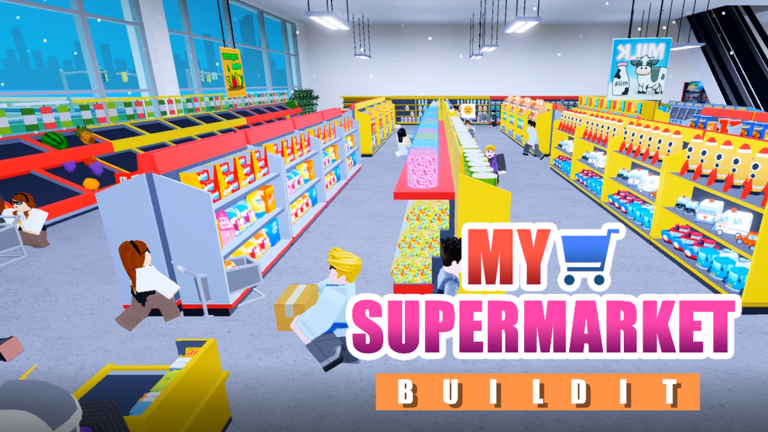
About My Supermarket
🏪Claim your land to start your supermarket empire now! Features: 🔨Fully customizable supermarket 👪Hire and manage your supermarket employees!🎄 🎁Sell you what you want and Serve more interesting customers ! 💰And TONS more to explore! 🚨v2.1-UPDATE LOG🚨 Latest Gift:THANKYOUALL Thank you for your continued support and love! In this Love day, Rock panda brings a small love's gift for everyone Hope you will like it! 78000 likes code:LIKEPANDADB2 83000 likes code:LIKEPANDARX2 88000 likes code:LIKEPANDALA2 93000 likes code:LIKEPANDABK2 98000 likes code:LIKEPANDAOJ2 103k likes code:LIKEPANDAXT2 108k likes code:LIKEPANDAYK2 113k likes code:LIKEPANDADE2 118k likes code:LIKEPANDAGH2 Be sure to JOIN our group to get the latest updates and rewards! And "Like" reward in the group description Please leave a Thumbs Up👍 and Favorite⭐ if you can! We appreciate it!
Comments (0)
Share a tip, ask a question, or tell other players which codes worked.
No comments yet. Be the first to share a tip or ask a question.