By LuaWiz
Xbox UI Launcher codes
No working codes listed right now. Check the latest updates below.
Working codes
Updated November 20, 2026
No working codes right now
Check back for new developer releases, or submit a code if you found one.
How to redeem codes in Xbox UI Launcher
- Launch Xbox UI Launcher on Roblox.
- Look for a Codes, Shop or settings button — usually on the side of the screen.
- Paste the code exactly as shown above. Codes are case-sensitive.
- Press redeem to claim your reward.
Codes may expire or require a certain level. If one fails, check the spelling and any in-game requirements.
Found a code we're missing?
Submit it and we'll verify it before it goes live.
About Xbox UI Launcher
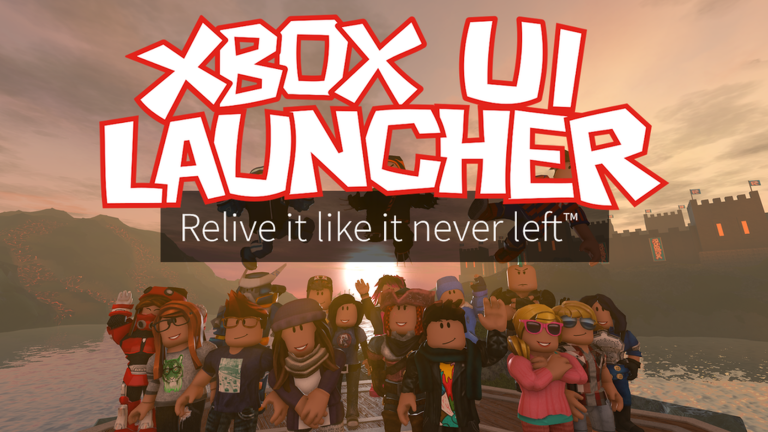
A 1:1 replica of every single version of the original Roblox Xbox One menu (2016–2023), rebuilt with full accuracy and customization. Customize the UI down to your liking, or revisit versions like the menu was never removed! Supports both keyboard and gamepad controls. (Mobile launcher coming soon.) [CREDITS] LuaW1z – Lead Creator; all textures, UI, scripting EmK530 – Co-Creator; proxy + scripting support (go check their work out, none of this would’ve been possible without them!) VLuk_Z – Trailer, thumbnails, texture help asimo3089 – Original backgrounds Roblox – Original menu [CHANGELOG] • 05/03/26 • Brought back classic heads and faces • More accuracy for renders • More bug fixes • 01/26/26 • Tutorial • More accuracy & New features - Loading screens (2015–2022) - Options for music fading, you can jam all you want now • Performance & Bug fixes - Fixed loading issues - Fixed 2021+ Avatar Editor issues Shoutouts to Rilo The Fox, Dyban, and Votex
Comments (0)
Share a tip, ask a question, or tell other players which codes worked.
No comments yet. Be the first to share a tip or ask a question.