by DomBlox Games
Clean The Video Game Store Codes
Working Clean The Video Game Store Codes
Last updated October 5, 2026
No working codes right now
We're tracking Clean The Video Game Store and will list codes here the moment the developers release them. If you spot one first, send it our way below.
How to redeem codes in Clean The Video Game Store
- Launch Clean The Video Game Store on Roblox.
- Look for a Codes, Shop or settings button — usually on the side of the screen.
- Paste the code exactly as shown above. Codes are case-sensitive.
- Press redeem to claim your reward.
Codes expire without warning — if one fails, it was almost certainly pulled by the developer.
Found a code we're missing?
Submit it and we'll verify it before it goes live.
About Clean The Video Game Store
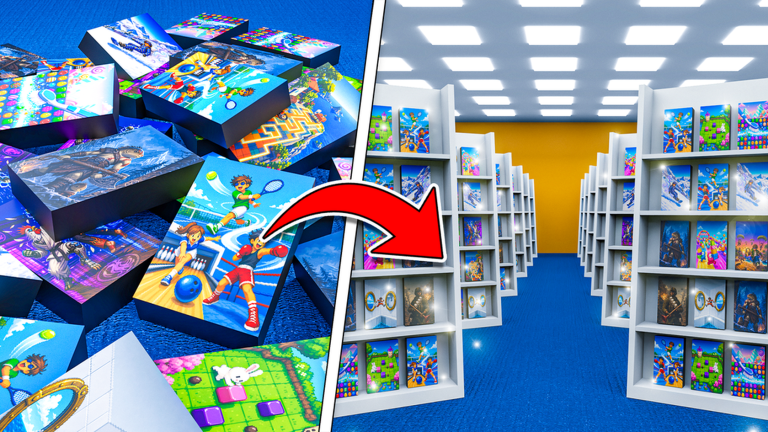
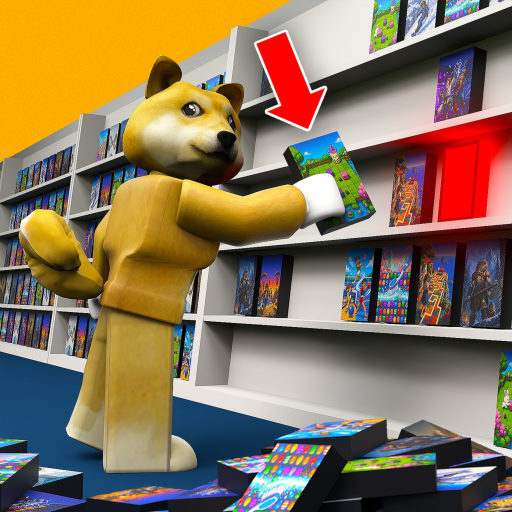
The video game store is in complete chaos! 1,500+ game cases are piled all over the floor and every one of them belongs somewhere. Read the covers, find the right rack and stock every series back in order 1-10. 📼 Sort 1,500+ game cases 🧙 Unlock magic gadgets to help you ✨ Buy upgrades and become the ultimate stocker 👥 Play solo or with up to 3 friends — your party keeps its own store save 🏆 Hit 100% and watch the store come back to life PC Controls: Click / E — pick up + place Q — drop Scroll — swap held case Hold Right-Click — zoom 1–4 — gadgets C — upgrades Console Controls: RT — pick up + place B — drop / close menu RB — swap held case Hold LT — gadget radial D-Pad — gadgets Y — upgrades Full support for PC, console, and touch.